ClickMagick Implementation Review for Advertisers
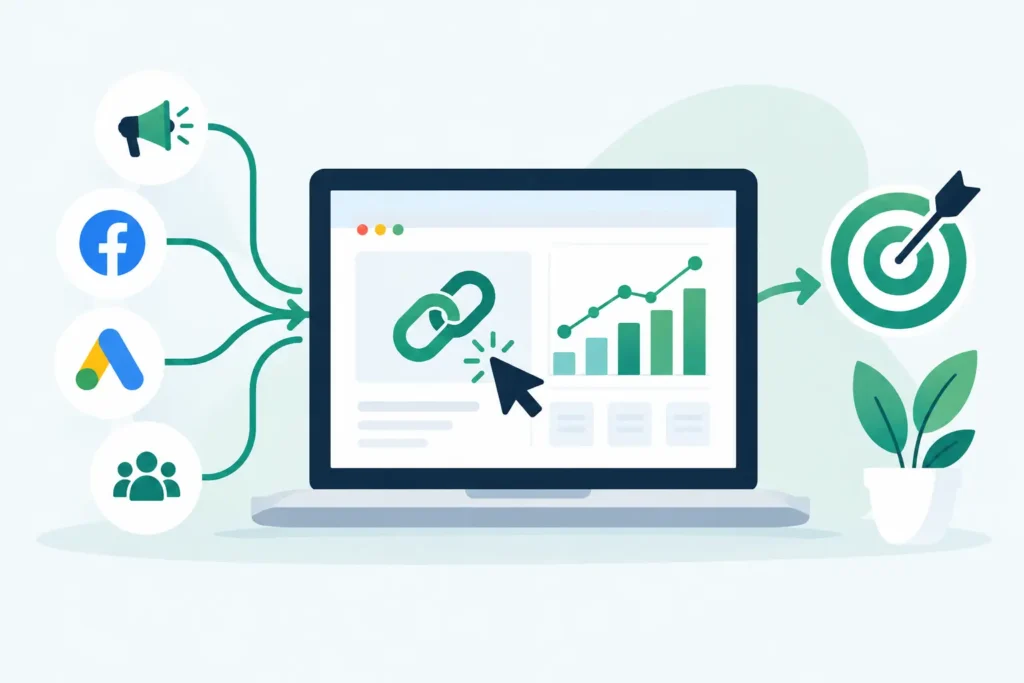
Your ad platform says a campaign is losing. Your checkout data says it is producing revenue. Your analytics report says the traffic is direct. That is exactly the kind of reporting conflict this ClickMagick implementation review is meant to address.
ClickMagick can give advertisers a more independent record of clicks, traffic sources, and conversions than platform dashboards alone. But it is not a magic layer that repairs every attribution gap the moment you add a tracking link. The quality of its reporting depends on the implementation: your tracking domain, URL structure, conversion events, postback configuration, consent setup, and how consistently your team uses the data.
For a media buyer spending meaningful money across Meta, Google, native, email, affiliates, or influencer placements, that work can be justified. For a small operation with one landing page, one traffic source, and reliable checkout reporting, it may be unnecessary overhead. Answers first. Recommendations second.
What a ClickMagick Implementation Actually Involves
The easy part is creating a tracking link. The hard part is making sure the link, landing page, checkout, CRM, and ad platform are describing the same customer journey.
A serious ClickMagick setup starts with a tracking plan, not the dashboard. Before adding scripts or changing destinations, define what a conversion means in your business. It could be a lead, booked call, trial start, first purchase, subscription renewal, or a qualified sale from your CRM. If that definition is fuzzy, the reporting will be fuzzy too.
You also need to decide which decisions ClickMagick should support. A direct-response advertiser may need to compare offers, landing pages, and traffic sources by earnings per click and revenue. An ecommerce operator may care more about purchase value, repeat order data, and the gap between ad-platform reporting and storefront revenue. Agencies often need clean client-level reporting and a consistent naming system across accounts.
That planning matters because winners get switched off when the numbers are incomplete. At the same time, losers get more budget when a platform claims credit for conversions it did not materially influence. A tracking tool cannot settle every attribution argument, but it can create a clearer record than scattered UTMs and self-reported platform dashboards.
The minimum viable setup
For many advertisers, the first useful implementation has five parts: a custom tracking domain, campaign links with a consistent naming convention, a conversion tracking method, a test purchase or lead submission, and a reconciliation process against the source of truth.
The custom domain is more than a cosmetic detail. Using a branded tracking domain can make links easier to manage and gives you more control than routing paid traffic through a generic shared domain. It also requires DNS access and a person who can make the required records correctly. If your team cannot control DNS, resolve that before launch day rather than building a campaign around a temporary workaround.
Next, build a naming convention that survives real operations. A label such as `meta-prospecting-video-a` may be more useful than a link named `new campaign`. The goal is not administrative perfection. The goal is to identify the traffic source, campaign, creative or placement, and destination when performance changes three weeks later.
Then configure conversion tracking. Depending on the funnel, this may involve a tracking pixel on a confirmation page, a server-to-server postback from a affiliate network or checkout system, or passing a click identifier through the funnel. Each option has trade-offs. Browser-based pixels are simpler but can lose visibility when browsers block scripts, users decline consent, or the conversion occurs on another device. Postbacks can be more durable for supported systems, but they require correct parameter passing and testing.
ClickMagick Implementation Review: Where It Gets Difficult
The product is designed to make tracking accessible, but accessibility is not the same as zero implementation work. The biggest problems usually appear at the handoff points between systems.
A lead funnel may send prospects from an ad to a pre-sell page, then to a form tool, then to a calendar page, then to a CRM. An ecommerce funnel may move a shopper from an ad to a product page and into a hosted checkout with multiple payment options. Every redirect, subdomain, script, and form can affect whether the original click is connected to the eventual conversion.
This is where a rushed setup fails. Someone installs code on a thank-you page, sees one test conversion, and assumes the system is ready. Then real traffic starts arriving through mobile browsers, private mode, email follow-ups, coupon extensions, delayed purchases, and cross-device journeys. Reported conversion totals no longer match the store or CRM, and nobody knows which number to trust.
Not sure whether your current tracking can connect clicks to revenue? Take the Free ClickMagick Tracking Assessment to identify potential gaps in your tracking setup.
Treat implementation as a controlled measurement project. Test the full path using a clearly labeled test campaign. Confirm that the click appears, the URL parameters persist where needed, the conversion fires once, revenue is recorded correctly, and the reporting fields identify the expected source. Then test failure cases: refresh the confirmation page, use a different device, return through a bookmark, and complete the conversion after a delay.
Duplicate conversions deserve special attention. Double-counted purchases can make a campaign look profitable when it is not. Missing conversions can make a profitable campaign look disposable. Neither problem is fixed by staring harder at a dashboard.
Privacy and cross-device limits still apply
ClickMagick can improve your visibility, particularly when you use first-party tracking methods and correctly configured conversion reporting. It does not eliminate browser privacy restrictions, cookie expiration, consent requirements, ad blockers, or the fact that one person may click on a phone and buy on a laptop.
That distinction matters. If a vendor report, ad platform, and backend revenue report differ, the answer is not automatically that one system is lying. They may use different attribution windows, identities, event definitions, time zones, and credit rules. Your goal is to understand those differences well enough to make numbers you can bet budget on.
For example, a platform may claim a view-through conversion that ClickMagick does not associate with a tracked click. Your store may record a purchase after the attribution window has expired. Your CRM may reject a lead that the landing page counted. Those are not necessarily software failures. They are measurement rules that need to be made explicit.
When the Investment Makes Sense
ClickMagick is most compelling when a reporting gap is costing you decisions. You may have campaigns running across several channels, landing pages that need split testing, affiliate traffic that requires quality control, or sales that close after the initial session. You may also be tired of manually stitching together UTM reports, spreadsheet exports, checkout totals, and platform claims.
Its value is less about producing another dashboard and more about organizing the click-to-conversion trail. Features such as tracking links, conversion tracking, rotators, traffic-quality controls, and funnel reporting can be useful when they answer a question your current stack cannot answer reliably: Which source, page, offer, or campaign is producing attributable revenue?
That does not mean every account needs it. If your business runs a modest number of campaigns, your ecommerce platform reports purchases accurately, and you only need basic channel-level performance, your existing analytics and ad-platform tools may be enough. Adding software without a defined measurement gap creates another dashboard, another monthly cost, and another way to get conflicting numbers.
Before paying, document the gap in one sentence. For example: “We cannot reliably compare lead quality by traffic source after leads enter the CRM,” or “We do not know which landing-page variant produces paid orders rather than just add-to-carts.” If you cannot write the problem clearly, do not buy a solution yet.
Costs Beyond the Monthly Plan
The listed subscription price is only one part of the decision. The real cost includes implementation time, domain configuration, creative and campaign migration, testing, documentation, and ongoing ownership. Someone needs to notice when a checkout change breaks a pixel or a new funnel fails to pass the required parameters.
Plan limits and included capabilities can change, so verify the current plan details against your anticipated click volume, number of tracking domains, data retention needs, and required integrations before committing. Also confirm whether the conversion method you need works with your exact checkout, CRM, affiliate network, or funnel builder. “Supports tracking” is not specific enough.
For agencies, establish who owns the domains, data, and access if a client relationship ends. For ecommerce teams, decide whether your store backend, financial system, or ClickMagick is the final source of truth for revenue. In most cases, the financial system should win. Tracking software is there to explain acquisition performance, not replace accounting.
The Practical Verdict
ClickMagick is worth implementing when unreliable attribution is causing expensive media-buying mistakes and you have enough campaign complexity to act on better data. It can help turn disconnected clicks and conversions into a more usable decision record, especially for direct-response, affiliate, lead-generation, and multi-funnel advertisers.
But the tool is only as credible as the setup behind it. Start with one funnel, one conversion definition, and one testable reporting question. Prove that the numbers reconcile closely enough to guide a budget decision before expanding across the account. Better tracking is not about collecting more events. It is about knowing which numbers deserve your next dollar.
Not sure where your tracking is breaking down?
Take the Free ClickMagick Tracking Assessment to identify potential gaps in your current tracking setup.