How to Track Offline Conversions From Ads
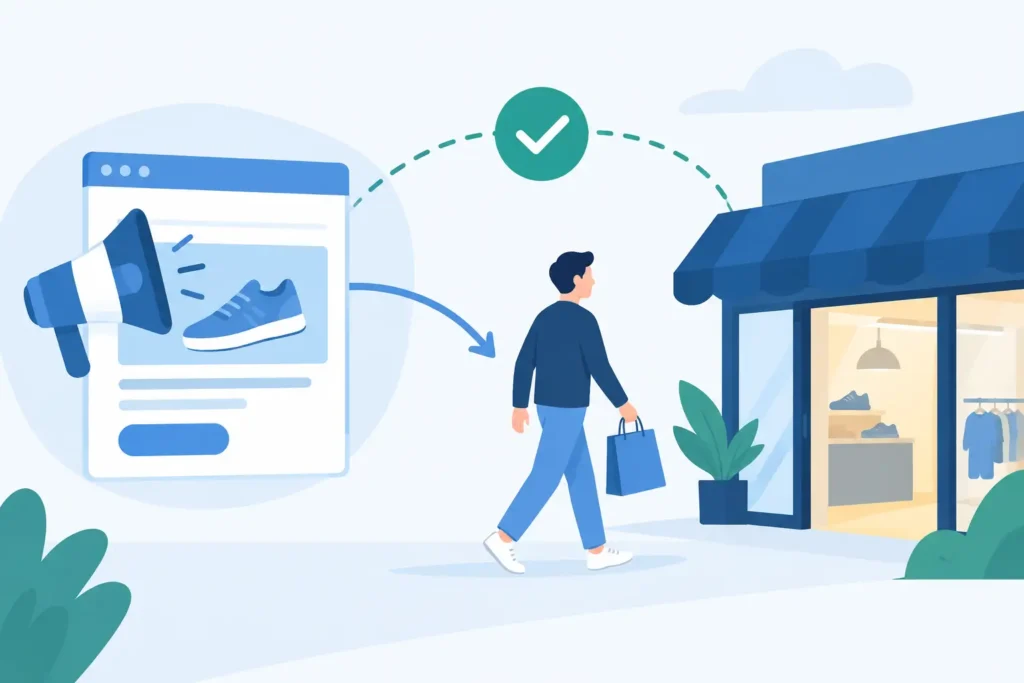
An advertising campaign may generate a qualified call, a booked demo, or a signed contract that is not reflected in the ad platform’s conversion report. Offline conversion tracking can help connect some of those outcomes to earlier campaign activity when reliable identifiers exist. It cannot automatically prove which campaign caused the sale or recover every missing connection.
Offline conversion measurement can support better budget decisions when it is implemented accurately and reconciled with CRM and payment records. It is not a guarantee against wasted spend.
Why ad-platform attribution fails after the click
Meta, Google, TikTok, and other platforms are built to report platform-visible events. They can measure a form submission on a tagged thank-you page reasonably well. They cannot automatically see that a salesperson qualified the lead three days later, that the prospect closed after a call, or that an in-store appointment produced a sale.
Even the events they do report are incomplete. Cookie restrictions, ad blockers, consent choices, cross-device behavior, and browser privacy controls reduce pixel visibility. Platform attribution windows and modeled conversions fill some gaps, but modeled data is not the same thing as a transaction record you can audit.
The problem becomes expensive when your conversion path includes any delay or human handoff. Common examples include phone calls, booked consultations, financed purchases, retail visits, dealer sales, high-ticket ecommerce orders completed through support, and B2B deals closed in a CRM.
A lead-based dashboard may show Campaign A at a $35 cost per lead and Campaign B at $55. If Campaign B generates twice as many qualified opportunities and four times the closed revenue, the cheaper lead is a trap. Without offline conversion data, the algorithm learns from the wrong signal and your team optimizes toward volume instead of profit.
What counts as an offline conversion?
An offline conversion is any meaningful business outcome that occurs outside the tracked website session but can be tied back to an ad click. It does not have to mean a literal cash-register transaction.
For a local business, it may be a call that resulted in a booked job, an estimate accepted, or a purchase at a physical location. For a B2B advertiser, it may be an SQL, an attended demo, a proposal accepted, or closed-won revenue. For ecommerce, it may be a phone order, a wholesale account, or a subscription sale completed by a sales rep.
The right event depends on the buying cycle. Sending every raw lead back to an ad platform may help it find form-fillers. Sending qualified leads, completed purchases, and actual revenue gives it a much better chance of finding customers. But do not wait six months for final revenue if your sales cycle is long. Use a staged approach: send a fast, high-quality milestone for optimization, then reconcile closed revenue for financial truth.
How to track offline conversions from ads without losing the click
The core job is simple: capture click data at the first visit, preserve it when the lead identifies themselves, and attach it to the offline result later. The details matter because one broken handoff turns a trackable sale into unattributable “direct” revenue.
1. Capture first-party click data before the visitor disappears
When someone lands from an ad, record the source, campaign, ad or creative identifiers, UTM parameters, landing page, timestamp, and a unique click ID. For Google Ads, that may include a GCLID. Other platforms use their own click identifiers. A first-party tracking layer should also issue its own durable click ID so you are not dependent on a single platform parameter or browser cookie.
Where appropriate, retain campaign identifiers in a first-party relationship with the business and connect them to lead or order records using permitted methods. Ad-platform reporting is one useful perspective, but independent records also have limitations and do not establish advertising causality on their own.
A tool such as ClickMagick can act as that layer underneath your ads and landing pages, capturing click-to-sale data before it reaches the fragmented systems that usually lose it.
2. Pass the click ID into the lead record
When the visitor submits a form, books an appointment, starts a chat, or calls a tracked number, pass the click ID and campaign details into the CRM or lead-management system. Hidden form fields are often the practical bridge for web forms. For calls, dynamic number insertion can associate the phone call with the ad click that generated it.
Do not rely on UTMs alone. They are useful labels, but they are easily dropped, overwritten, or stripped during redirects and scheduling flows. Keep a unique first-party identifier tied to the person or lead record whenever possible.
This is also where teams discover their quiet tracking leaks. A form routed through a third-party scheduler, an embedded quiz, or a call center intake screen may not retain the identifiers you captured on the landing page. Test every path like a buyer would. Click an ad, submit the form, inspect the CRM record, and confirm that the click ID arrived intact.
Not sure whether your current tracking can connect clicks to revenue? Take the Free ClickMagick Tracking Assessment to identify potential gaps in your tracking setup.
3. Define the revenue events that deserve credit
Not every offline event should steer spend. A sales team can mark a lead “contacted” without proving commercial value. Choose events that represent a real change in expected revenue: qualified opportunity, appointment attended, deposit paid, purchase completed, or recurring revenue activated.
For each event, send the conversion timestamp, event name, click ID or platform click ID, and revenue value. Include currency where relevant. If margins vary sharply by product or service line, send profit-adjusted values to your internal reporting even if the ad platform receives gross revenue.
There is a trade-off here. More events create richer analysis, but a bloated event taxonomy turns reporting into a cleanup project. Start with the few milestones your media buyer would genuinely use to scale, pause, or fix a campaign.
4. Send conversion events back server-side
Once the CRM or sales system records the outcome, send the conversion back to the relevant ad platform through its offline conversion import or conversion API. Server-side delivery is less exposed to browser restrictions than a thank-you-page pixel and can improve event matching when it includes approved identifiers such as click IDs, hashed contact data, event time, and value.
This does not make platform reporting perfect. A platform may still apply its own attribution rules, deduplicate events, or claim partial credit based on its conversion window. That is why you need two views: platform feedback for campaign optimization and independent first-party reporting for financial decisions.
The first tells the platform which types of clicks lead to value. The second tells you whether the platform is actually profitable.
5. Reconcile revenue, not just conversion counts
A campaign with 30 closed deals is not automatically better than one with 20. Compare ad cost against collected revenue, refunds, cancellations, lead quality, sales cycle length, and ideally contribution margin. A $500 sale with a 40% cancellation rate should not be treated like a $500 sale that clears immediately.
Use a consistent attribution rule for your own reporting. Last paid click may be enough for a simple direct-response funnel. A longer buying cycle with search, social, email, and sales calls may need first-touch, last-touch, and assist views. It depends on how people buy from you, not on which attribution model sounds sophisticated.
The key is consistency. If you change rules every time a campaign disappoints, you do not have analysis. You have a justification machine.
The mistakes that make offline tracking useless
The most common failure is treating a lead as a conversion and stopping there. That encourages cheap leads, not profitable customers. The second is storing source data in a spreadsheet after the sale closes. By then, the platform cannot learn and the media buyer cannot act quickly.
Another mistake is using only one identifier. A click ID can expire or go missing; an email address can be mistyped; a phone number may be shared. Preserve several compliant matching signals, retain the original click record, and use deduplication rules so one sale is not counted twice.
Finally, do not confuse higher reported conversions with better economics. When you improve tracking, performance may appear to “drop” because inflated or duplicate credits disappear. That can be uncomfortable, but it is useful. You cannot protect margin with flattering numbers.
Build a system your team can operate daily
A useful offline-conversion setup can help answer which campaigns are associated with qualified calls, closed deals, and collected revenue. The answer depends on the quality of the matching data and the attribution method. To assess incremental impact, consider experiments or other evidence beyond assigned conversion credit.
Review those answers on a schedule that matches your sales cycle. A seven-day view is useful for fast ecommerce. A 30-, 60-, or 90-day cohort view is more honest for lead generation and B2B. Keep raw clicks, leads, qualified milestones, sales, and revenue connected in the same reporting chain.
Then make the decision your old dashboard could not support. Keep funding the campaigns that produce revenue after the click. Fix the campaigns where conversion quality breaks. Pause the traffic that only looks good before a salesperson, store visit, or invoice reveals the truth.
Offline conversion tracking is not about making reports look more complete. It is about giving every dollar a chance to defend itself before you spend the next one.
Not sure where your tracking is breaking down?
Take the Free ClickMagick Tracking Assessment to identify potential gaps in your current tracking setup.