What ClickMagick Tracking Capabilities Measure
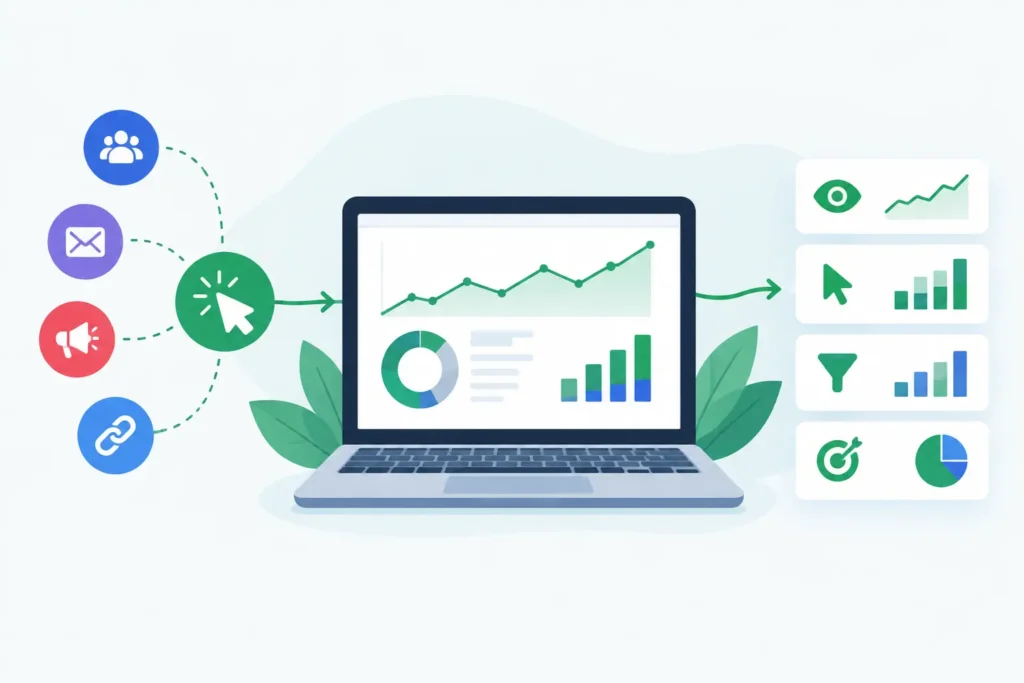
A campaign can show an acceptable CPA in Meta while the landing page is getting hammered by bots, duplicate clicks, and visitors who never had a realistic chance of buying. Meanwhile, a profitable keyword can look weak because the sale happened three days later, on another device, or through a checkout system that never sent revenue back. Winners get switched off. Losers get more budget.
That is the problem ClickMagick tracking capabilities are designed to address: creating an independent record of the path between an ad click and a measurable business outcome. The value is not a prettier dashboard. It is having numbers you can bet budget on, provided the implementation matches how your funnel actually works.
What ClickMagick Tracking Capabilities Cover
At its core, ClickMagick tracks clicks through dedicated tracking links and records the source data attached to those clicks. Depending on how you build the link, that can include campaign, traffic source, ad, keyword, placement, affiliate, and custom UTM-style parameters. Instead of treating every visitor from a broad channel as identical, you can preserve more detail about where the click originated.
That matters when your ad platform reports at a level that is too aggregated for a buying decision. If one creative, audience, placement, or email partner is consuming spend without producing sales, you need to see it before the platform’s blended reporting makes the issue look harmless.
ClickMagick can also connect conversions to tracked visitors through conversion tracking pixels, postbacks, or other supported integrations and setup methods. A conversion can be a lead, sale, upsell, subscription action, or another event you define. Where revenue values are passed correctly, reporting can move beyond conversion count toward revenue, average value, EPC, and return-oriented analysis.
The distinction matters. Ten leads at $20 each may look better than four leads at $45 each until sales data shows that the second source produces substantially more qualified buyers. Click data alone cannot answer that question. Conversion and revenue data are what turn tracking into an acquisition decision tool.
ClickMagick Tracking Capabilities for Funnel Analysis
Most paid-media problems do not occur at one isolated point. They occur between the click, the landing page, the opt-in, the checkout, and the eventual sale. ClickMagick is useful when you need to inspect that chain rather than accept a single platform-reported conversion number.
Its funnel-oriented tracking can help advertisers compare the performance of traffic sources, ads, landing pages, and offers. If clicks are strong but opt-ins collapse, the issue may be page-message match, page speed, traffic quality, or targeting. If opt-ins hold but purchases do not, the problem may sit in the offer, sales process, checkout, or lead follow-up. Tracking does not diagnose the cause automatically, but it narrows the place where investigation should start.
For affiliate marketers and agencies, sub-ID and custom parameter tracking are especially practical. They make it possible to identify which partner, ad variation, media buyer, or placement generated the action without building a new destination URL for every test. The discipline still matters: parameter naming must be consistent, and teams need a clear rule for which source of truth governs budget decisions.
ClickMagick also offers traffic-quality and click-filtering features intended to identify suspicious, non-human, or low-quality activity. This can be valuable when bot traffic, repeat clicks, or competitor activity are distorting reported performance. But filtering is not a fraud refund machine. A tool may classify and report questionable traffic, yet recovering ad spend or proving invalid activity to an ad network is a separate process with its own evidence requirements.
The Setup Determines What You Can Trust
No tracking platform can measure an event it never receives. Before treating any ClickMagick report as decision-grade, verify the full data chain: ads must use the correct tracking links or parameters, your tracking domain must be configured correctly, conversion code or postbacks must fire on the right event, and revenue values must be passed consistently.
First-party tracking domains can be particularly relevant as browser privacy controls and third-party cookie restrictions continue to reduce visibility. A properly configured first-party approach may preserve more useful attribution than a basic third-party setup in some situations. It does not make browser restrictions disappear, and it does not guarantee that every visitor can be recognized across every session or device.
Not sure whether your current tracking can connect clicks to revenue? Take the Free ClickMagick Tracking Assessment to identify potential gaps in your tracking setup.
Server-side conversion tracking can reduce reliance on browser-only events when your checkout, CRM, or funnel platform can send the required data. That can improve the completeness of an event record compared with a page pixel alone. Still, server-side events require careful deduplication, event naming, and testing. Sending the same purchase twice is not better tracking. It is inflated revenue reporting.
Delayed conversions deserve the same attention. If a prospect clicks today and purchases after an email sequence next week, your attribution window and tracking configuration determine whether that sale remains connected to the original campaign. Set the window too short, and acquisition campaigns look worse than they are. Set it too long, and old clicks can receive too much credit. There is no universal setting. Match it to your actual sales cycle.
Where ClickMagick Has Real Limits
ClickMagick can provide a valuable independent measurement layer, but it cannot deliver perfect attribution. Cross-device journeys remain difficult. A person may click an ad on a phone, research later on a laptop, and buy after searching your brand name. Unless your setup can reliably associate those sessions through a login, email identity, or another permitted identifier, some connection will be missed or inferred.
It also does not replace the native measurement systems required for ad-platform optimization. Google and Meta need properly implemented platform events to learn from conversions within their own systems. Independent tracking can challenge a platform’s self-reported numbers and expose reporting gaps, but it should not be treated as a reason to remove platform pixels or conversion API events.
Attribution models create another trade-off. Last-click reporting is straightforward and often useful for direct-response decisions, but it can understate upper-funnel activity. Multi-touch views can show more of the customer journey, yet they introduce more assumptions about how credit is distributed. The best model depends on your buying cycle, channel mix, and how aggressively you need to make daily budget changes.
Finally, ClickMagick is not a substitute for clean operations. If your team changes landing pages without updating tracking, uses inconsistent UTMs, or fails to test checkout events after a redesign, the dashboard will reflect that disorder. Tracking infrastructure is only as dependable as the process around it.
When the Investment Makes Sense
ClickMagick is most relevant when the gap between ad-platform reporting and business reality is expensive. That commonly includes advertisers running multiple paid channels, affiliate offers with several traffic partners, lead-generation funnels with delayed sales, ecommerce brands that need revenue-level reporting, and agencies that must separate performance by client, buyer, or campaign.
It may be unnecessary if you run a small number of campaigns, a short single-page funnel, and your existing analytics plus native platform reporting already reconcile closely enough for the decisions you make. Adding another tool creates setup work, reporting overhead, and a new place for data discrepancies to appear. More tracking software is not automatically better tracking.
Before paying for any plan, map the questions your current stack cannot answer. Can you identify the exact ad or placement behind a sale? Can you distinguish leads from qualified revenue? Can you spot suspicious click patterns? Can you connect delayed purchases to acquisition activity? If the answer is already yes, the case for another layer is weaker. If the answer is no and the blind spot affects meaningful spend, ClickMagick deserves a closer look.
Verify These Details Before You Rely on the Data
Start with a controlled test. Send a small amount of known traffic through a tracked campaign, complete a test conversion, and compare the click, event, revenue, and source data across ClickMagick, your checkout or CRM, and the relevant ad platform. Test mobile and desktop where possible. Test an order with a discount, an upsell, or a recurring payment if those affect your economics.
Also confirm the practical constraints for the plan you are considering, including tracked-click allowances, data retention, available integrations, custom-domain requirements, support for your conversion method, and features needed for your funnel. Product plans and feature access can change, so verify current details before making a commitment.
The right question is not whether ClickMagick can track more than your current tools. It is whether it can close a measurement gap that is causing you to misallocate budget. Start there, validate the data against real orders and leads, then let the evidence decide whether the extra tracking layer has earned its place.
Not sure where your tracking is breaking down?
Take the Free ClickMagick Tracking Assessment to identify potential gaps in your current tracking setup.